



Insights | 7.12.2023By Peter Trier Jørgensen
Are you aware of the steps your organization should take to shield sensitive information when embracing Copilot and other AI tools? It’s not just about taking your productivity to new heights; it’s about safeguarding your top-secret projects and confidential data.
Here’s the deal: Without robust data security controls, Copilot could expose classified information such as salaries or valuable business information.
The good news? Microsoft Purview has stepped up its game! Now, we have concrete data security controls to ensure your information stays safe in AI applications.
One cool feature? Copilot respecting sensitivity labels on the files it interacts with. So, no need to worry about confidential information leaking through Copilot, or users being shown information they do not have access to.
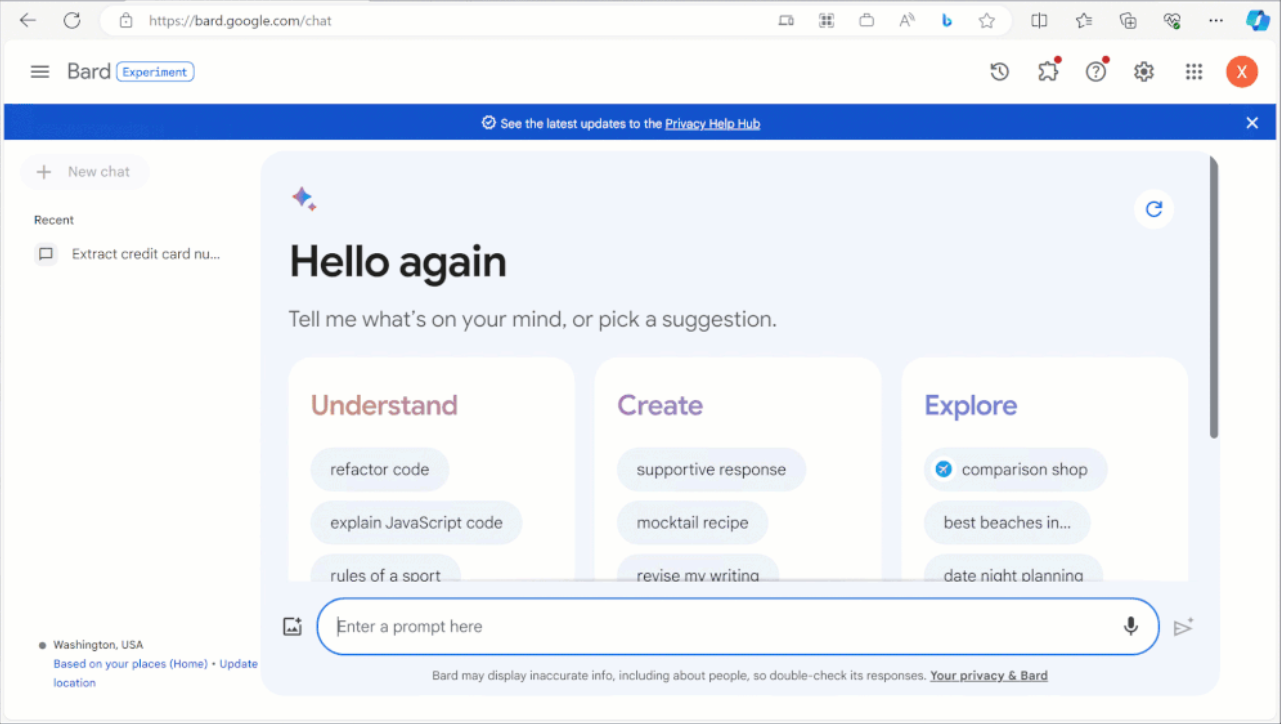
But it doesn’t stop there – the protection extends beyond Copilot to other AI applications like ChatGPT, Bard, Bing Chat, and more.
Curious about how these controls work and how they can level up your data security game? Let’s dive in together!

Copilot respects sensitivity labels
Copilot respects sensitivity labels on the files it references.
When Copilot interacts with a labeled file, users will be shown the label to inform them that the information is confidential. Users can easily identify the confidentiality and handle the information according to the sensitivity.
Nurture a culture of secure data usage by educating users on the importance of protecting information and handling data correctly. This way, the users know what to do when Copilot shows them sensitive data.
- Identify sensitive information in your environment and begin classifying and labeling files and emails.
- Educate users on how to label data and raise awareness of data confidentiality in AI applications.

Labels are inherited by conversations and new content
When users interact with Copilot conversations and a labeled file is referenced, the conversations inherit the sensitivity label, including its protections. This means that the conversation will be clearly labeled. If a new file is produced with references to a labeled file, the newly generated file will inherit the label from the referenced file and access rights restrictions will be carried over.
This way, users do not need to worry about whether newly created content is protected accordingly, making protecting sensitive information easier for your users.
- Protect data by assigning access rights to data where appropriate. Sensitivity labels provide user-friendly support for this directly in Office applications.
- Review data locations like SharePoint Online to ensure that sites and folders are restricted to the appropriate users.

Protection beyond Copilot
The data security controls extend beyond Copilot and Microsoft 365 to AI applications such as ChatGPT, Bard, Bing Chat and more.
Insider Risk Management identifies risky behavior such as data leakage to AI applications on the web. Insider Risk Management now has an indicator for users browsing generative AI sites. This helps security teams identify potential risks related to usage of AI applications.
You can detect when users are copying sensitive information into AI applications such as ChatGPT and block it proactively. With Endpoint Data Loss Prevention, you can prevent users from copying sensitive data into generative AI applications through web browsers.
- Define security requirements for data including what data is sensitive, how it should be protected, and where it can be used.
- Follow up on these security requirements by implementing Data Loss Prevention to technically restrict the flow of sensitive data and prevent data loss.
Visibility into use of AI applications and associated risks
For Copilot, user interactions and associated events are stored in audit logs and can be detected and audited using Purview Audit.
Prompts and responses with Copilot are preserved and can be searched and discovered with Content Search and eDiscovery.
The Purview AI Hub provides visibility into how users use Copilot and over 100 other AI applications.
You will be able to identify which AI applications users are prompting, how they are using them, and the specific sensitive information included in the prompts.
Microsoft Defender for Cloud Apps adds over 400 generative AI applications to the cloud app catalog so you can get insights into usage of these and approve or block users from using the applications.
- Monitoring and auditing should be an integral part of your data security, and your security team should react to alerts or risky behavior. Use the integrated features in Microsoft Purview to automate as much as possible and focus on the important activity.
- Continuously improve your data security and compliance efforts.


